 CAMPGROUNDER
Four tools for camp that don't need a signal.
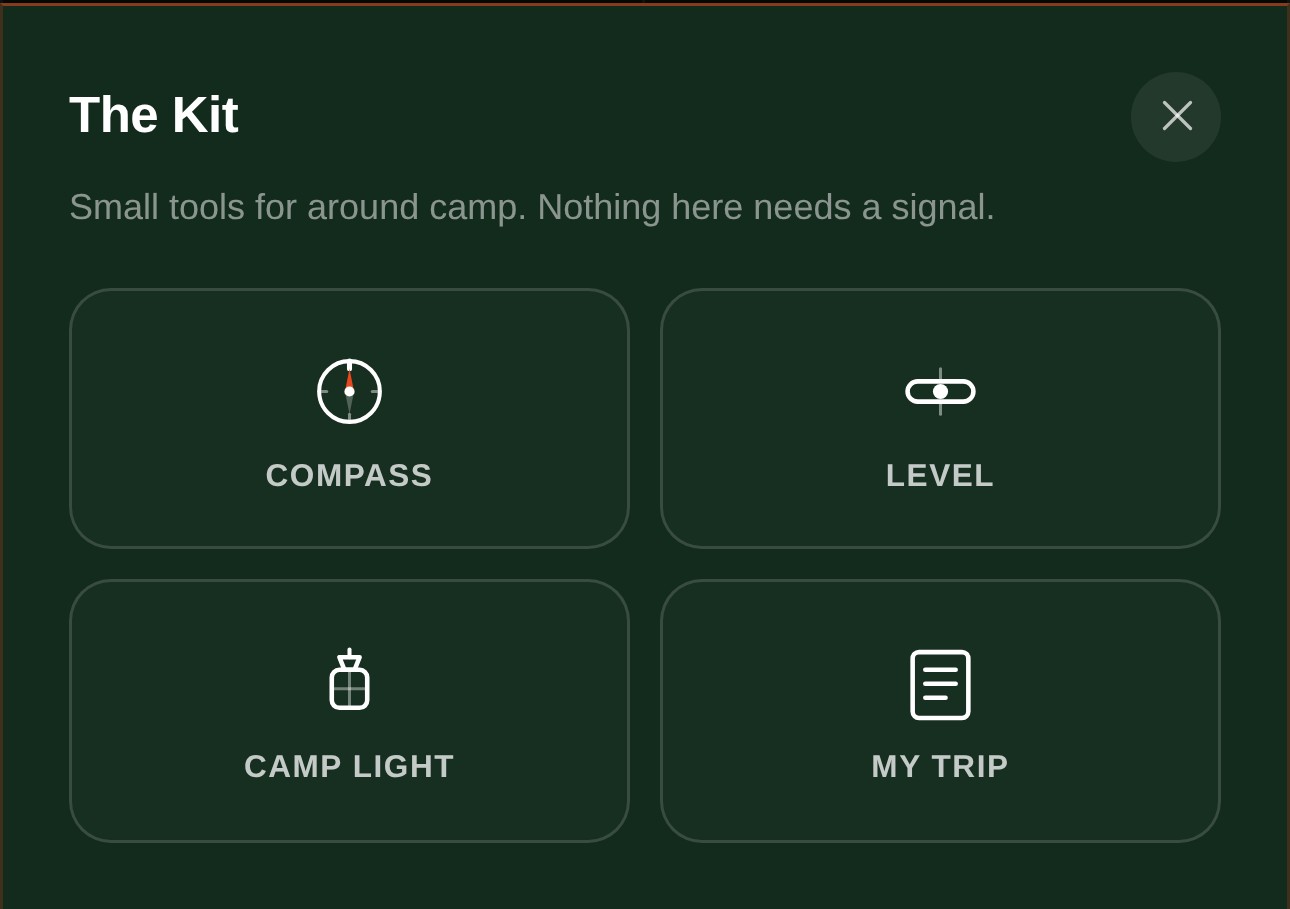
Most of what Campgrounder does gets you to a pin on a map: finding the camp, checking if it's actually open, booking the site. But there's a second half to every trip, the part that starts after you've arrived and your service bars have quietly disappeared. That's what The Kit is for.
It's a small set of tools built to work with zero connection. The moment you actually need a compass, a level, a light, or your reservation number is usually the exact moment you don't have a signal.
It also moved
The Kit used to live behind a small round button that floated over the map, either in the way or easy to forget was even there. It's now the fifth tab at the bottom of the app, next to Home, Search, the Map, and Saved. If it's worth building, it's worth being as easy to find as everything else you already reach for.
Compass and Level, for setting up camp
Compass reads your phone's magnetometer to point true north, useful for more than it sounds: deciding which way to pitch your tent door away from the wind, or which side of the site catches the morning sun. It also has a "Mark my site" feature: tap it once at your own campsite, and an arrow points back to it for the rest of the trip, useful the first night every loop road looks the same in the dark.
Level does the job people buy a separate bubble level for: lay the phone flat on a trailer tongue jack or stabilizer jack, and it shows exactly how far off you are and which way to correct. Works just as well under a tent pad, if you're the type who checks.
Camp Light, for after dark
Turns the screen into a lantern: white, warm amber, or red, the last one for keeping your night vision instead of getting blasted with flashlight-app glare every time you check the time. No permissions to grant, nothing running in the background. Just tap it and the phone becomes the light.
My Trip, the new one
This is the tool we built the fifth nav tab to make room for. Confirmation emails live in an inbox that needs a signal to open. Printouts get left on the kitchen counter. My Trip is a card you fill in once, ideally before you leave the house and still have Wi-Fi: campground name, site or loop number, check-in and check-out dates, your confirmation number, the address, a phone number if the park has one.
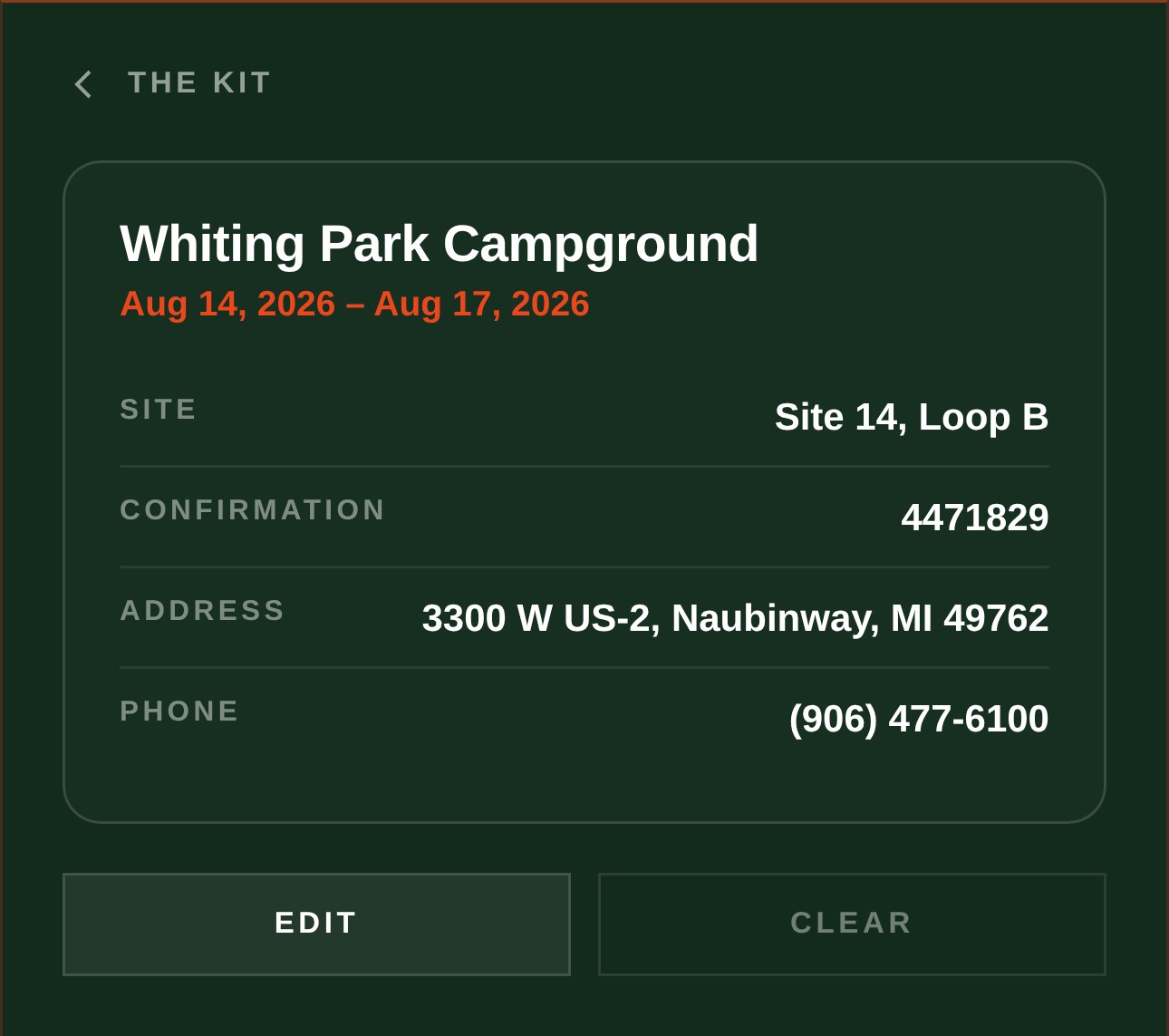
After that, it's just there: no signal needed to open it, no account to lose it to, because it never leaves your phone. Same offline-first approach the rest of Campgrounder already uses for saved camps.
None of this replaces a real compass or level if you already carry one, and it's not trying to. It's for the trip where you didn't, or the moment yours is packed away in the truck. Small tools, built for the part of camping that happens after you've already found the spot.
Open Campgrounder →